Vow vs Freedom: a one-time-purchase Freedom alternative for Mac
Last updated:
Freedom blocks the websites and apps on your lists and syncs across your devices. Vow turns off your Mac's whole internet connection until a timer ends, with nothing to set up. Pick Freedom to block some sites on several devices. Pick Vow to take your Mac fully offline for a while, for $9.99 once.
The short verdict
Choose Freedom if…
- You want one block across your Mac, Windows PC, iPhone, iPad, Android or Chromebook.
- You want to block specific sites and apps and keep the rest of the internet.
- You like managing sessions from a cloud dashboard.
Choose Vow if…
- You want everything quiet, including Discord, Slack, Telegram, WhatsApp and Mail, without building lists.
- You use a work or commercial VPN, or rely on localhost and local dev tools.
- You'd rather pay once than subscribe, and you don't want an account.
Vow vs Freedom, side by side
| Vow | Freedom | |
|---|---|---|
| What it stops | The whole internet: every browser, app and terminal tool goes quiet at once | Sites and apps on your lists (or all websites) |
| How it works | Turns off the Mac's network connections using built-in macOS tools | Local system proxy (or Non-Proxy browser filter) + app blocker |
| Browser extensions | None. Works in every browser and never sees what sites you visit | Optional (Non-Proxy mode hides Firefox on Mac) |
| Non-browser apps (Discord, Telegram, WhatsApp, Mail) | All offline automatically. Apps stay open, so you can read old messages, with zero new pings | Website blocks only filter proxy traffic; stopping an app closes/hides the app window |
| Network settings & VPNs | Clean. Never touches proxies, /etc/hosts or DNS, and restores your exact pre-session state | Modifies macOS system proxies by default (can conflict with work and commercial VPNs) |
| Localhost and dev tools | Always work (loopback stays up; local containers work via localhost ports) | Can conflict with the local proxy (needs localhost / 127.0.0.1 proxy bypass rules) |
| Lists to keep up to date | None | Yes (websites, apps and exceptions) |
| If you quit the app | Nothing changes. A system helper holds the timer across quit and restart | Requires Locked Mode (Premium) + "Block Activity Monitor" enabled |
| If an emergency happens | Built-in 15-minute cooldown: stops impulses, but never traps you in a real emergency | Instant cancel in standard mode, or locked until the timer ends in Locked Mode |
| Account needed | No. 100% local on your Mac | Yes (syncs with a cloud dashboard) |
| Price | $9.99 once (3 free sessions) | $8.99/mo, $39.99/yr, or $99.50 lifetime |
| Runs on | Mac only (macOS 26 or later, Apple Silicon) | Mac, Windows, iPhone, iPad, Android, ChromeOS |
How blocking works differently
Freedom blocks what's on your lists. On a Mac it routes web traffic through a local system proxy (or a Non-Proxy browser filter) and adds an app blocker. That's flexible: you can block social media and keep everything else. But a system proxy can conflict with work and commercial VPNs, and local development servers need proxy bypass rules for localhost and 127.0.0.1.
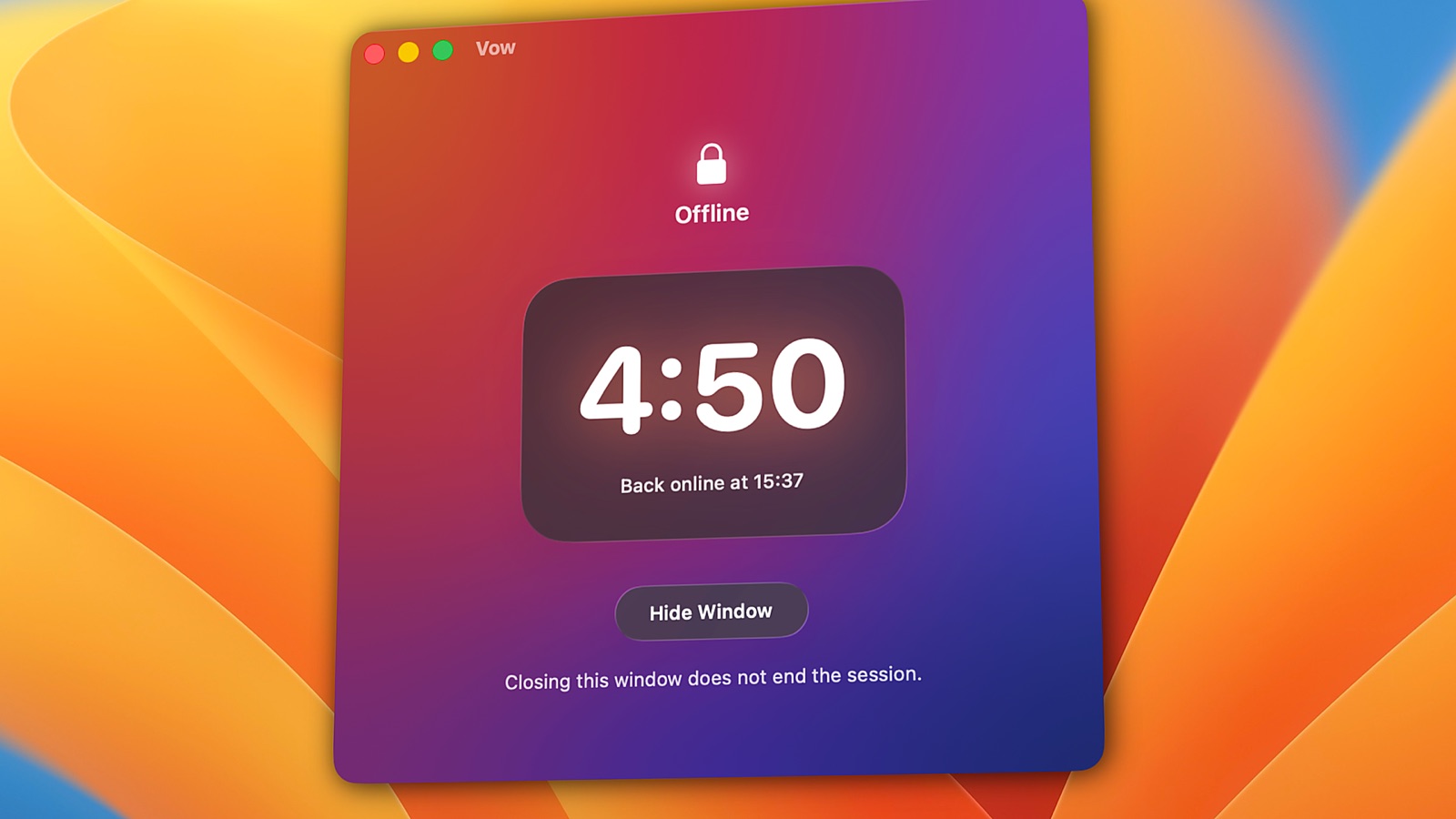
Vow doesn't filter anything. It turns off your Mac's network connections using built-in macOS tools, so every browser, app and terminal tool goes offline at once. There are no lists to maintain and no proxy to conflict with your VPN. localhost keeps working because the loopback interface stays up.
Staying locked
In Freedom's standard mode, you can cancel a session instantly. Locked Mode, part of Freedom Premium, keeps a session running until the timer ends. Stopping Freedom from being quit requires Locked Mode together with its "Block Activity Monitor" option.
Vow has no instant cancel. You can request an early unlock, and your Mac stays offline for 15 more minutes first. A system helper holds the timer, so quitting Vow or restarting your Mac changes nothing.
Price over time
| Vow | Freedom | |
|---|---|---|
| 1 year | $9.99 once | $39.99 yearly, or $107.88 monthly |
| 3 years | $9.99 once (all 1.x updates included) | $119.97 yearly, or $99.50 lifetime |
| Devices | Up to 2 personal Macs | Mac, Windows, iPhone, iPad, Android, ChromeOS |
Freedom covers more devices, which is worth paying for if you need it. If you only need your Mac to go quiet, Vow costs less than three months of Freedom's monthly plan.
Switching from Freedom to Vow
- You don't need to rebuild your lists. Vow has none: the whole internet goes off.
- Recreate recurring sessions as Vow schedules, for example weekdays at 9:00 for 2 hours.
- Start with a short session, say 30 minutes, to see how working fully offline feels. You get 3 full sessions free.
- Keep Freedom for your other devices if you use it on your phone. The two don't need to replace each other.
Questions
Is Vow cheaper than Freedom?
Yes, for a Mac. Vow is $9.99 once with all 1.x updates included, for up to 2 personal Macs. Freedom is $8.99 a month, $39.99 a year, or $99.50 for lifetime, and it covers more types of devices.
Can Vow block only certain websites, like Freedom?
No. Vow turns off your Mac's whole internet connection, so there are no lists. If you want to block some sites and keep the rest, Freedom or Cold Turkey is the better fit.
Does Vow work on iPhone or Windows?
No. Vow is a Mac app and requires macOS 26 or later on Apple Silicon.
Will Vow conflict with my VPN the way a proxy can?
No. Vow never touches proxies, /etc/hosts or DNS settings. During a session your VPN is offline along with everything else, and when the session ends your network is restored exactly as it was.
Try Vow free
Vow is a Mac app that turns off your internet and keeps it off until your timer ends, from 5 minutes to 24 hours. Try 3 full sessions free, then pay $9.99 once. Requires macOS 26 or later on Apple Silicon.